
 640 × 360
Social share cards
Podcast episode share card
A podcast episode share card with show cover, episode title, hosts and a listen QR code.
Turn HTML into high-quality images with a single API call. Output WebP, JPEG or PNG for share posters, product covers, article covers, marketing banners and more.
100 free credits on sign-up · Pay as you go
<div class="card">
  <div class="badge">SALE</div>
  <h1 class="title">Summer Refresh</h1>
  <p class="subtitle">Top picks up to 50% off</p>
  <img src="{{image}}" />
  <div class="price">
    <span class="current">¥49</span>
    <span class="original">¥99</span>
  </div>
</div>
Use cases
Templates keep the visuals consistent. Pass in changing data and get matching images in seconds, without reopening a design tool to export.
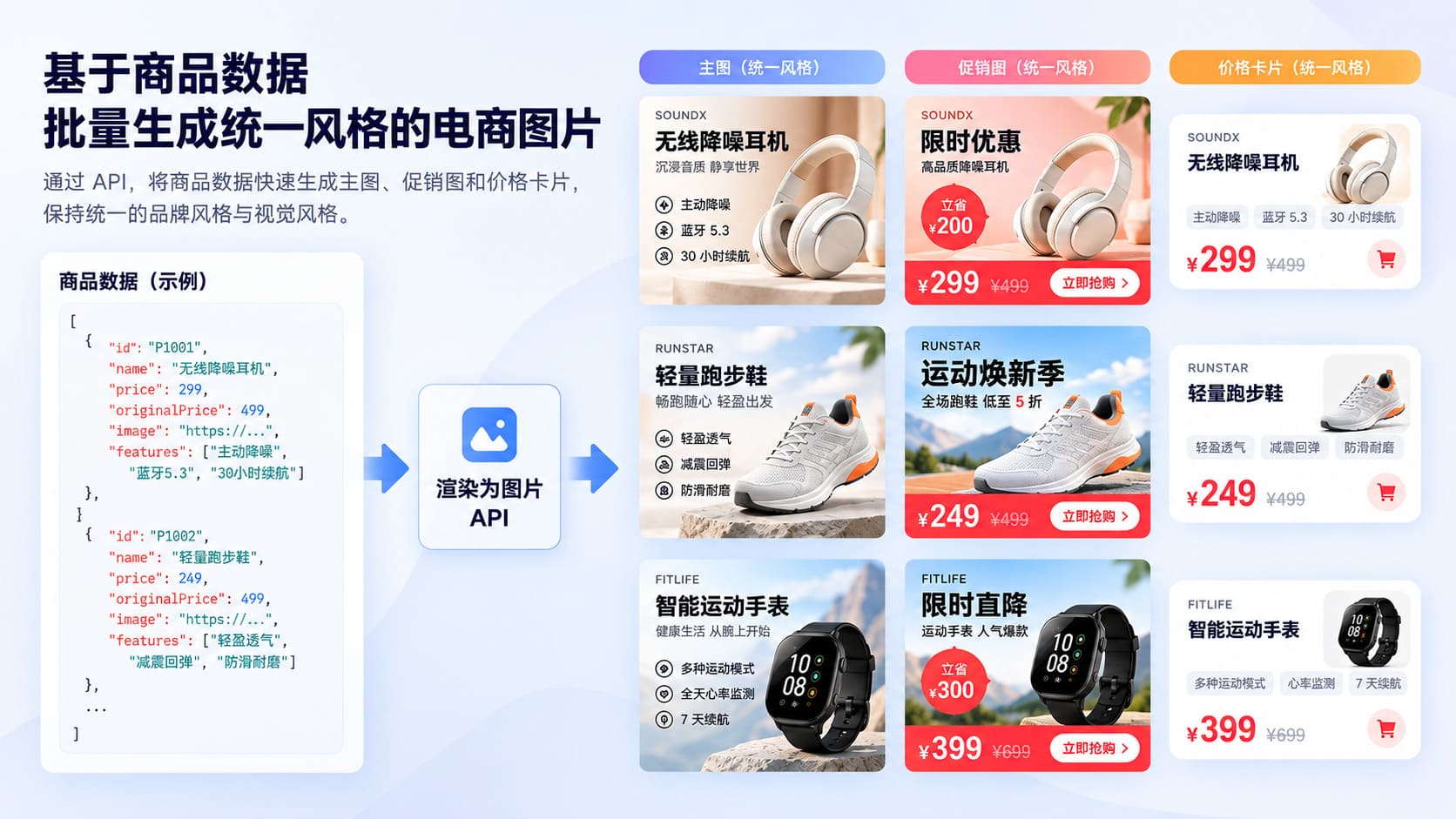
Template ideas
Start fast with a ready-made template, or design your own from scratch with HTML + CSS.
640 × 360Social share cards
A podcast episode share card with show cover, episode title, hosts and a listen QR code.
 1200 × 630
Profile cards
A social profile card with avatar, display name, bio and follower stats.
 1200 × 630
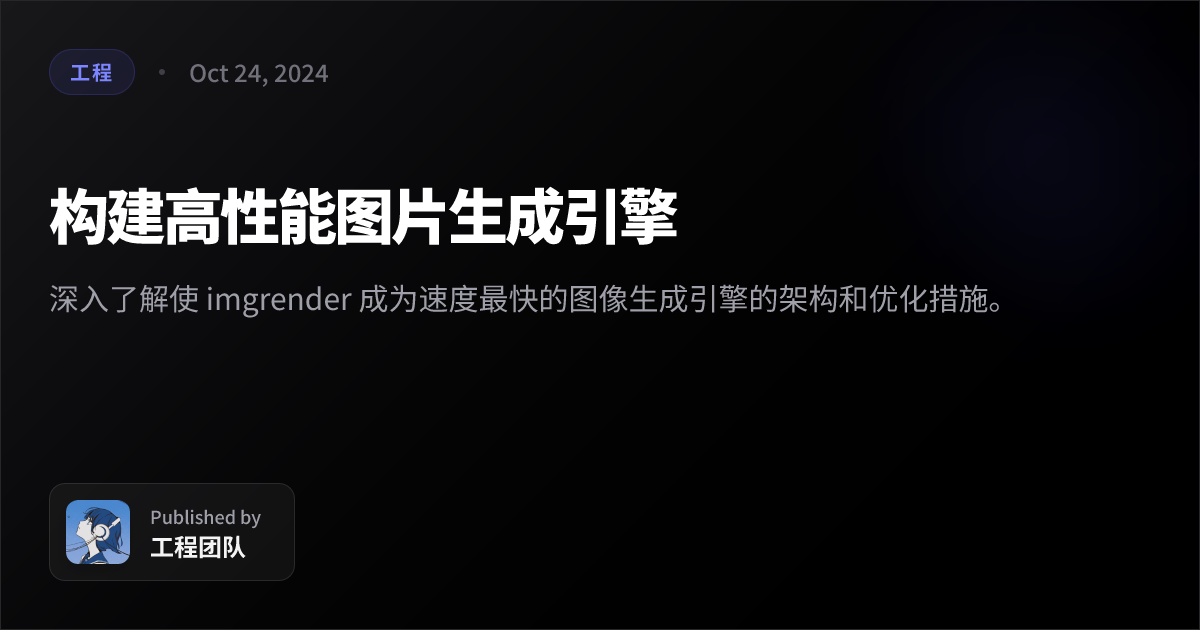
Article covers
A tech article cover with category tag, publish date, headline and author.
 640 × 360
A blank canvas to design anything you like.
Features
From a single API call to complex custom templates, imgrender covers every image generation scenario you need.
Control layout, colors, spacing and styles. Use any Tailwind class or inline style to produce on-brand images.
10+ built-in fonts free for commercial use, plus custom fonts. Chinese, English, Japanese, Korean and emoji render out of the box.
P99 latency under 1s. No headless browser involved, so there is far more headroom.
Export PNG, JPEG or WebP with custom resolution and quality to match every platform's requirements.
How it works
Method 01
Save HTML + CSS as a template once, then pass only variables on each call. Ideal for batch, automated and brand-consistent production, and fits most use cases.
Design a template
Write a reusable template in HTML + CSS
1Add variables
Turn titles, images, prices and more into parameters
2Call the API
Send the template ID and the data to render
3Get the image
Receive an image URL ready to use
4Method 02
Send the complete HTML and CSS with every render. Best when the layout changes a lot or you want full control.
POST /open/v1/images/render

{
  "content": "<div>...</div>",
  "width": 640,
  "height": 360,
  "format": "png"
}
Pricing
Try it free, pay as you go
Free
For individual developers and small projects to try things out.
Pro
Pay as you go. No subscription, stop any time.
Enterprise
For large-scale, high-concurrency and custom requirements.
FAQ
Common questions about the imgrender image API. See the docs for more technical details.
You get 100 credits on sign-up. Each image request uses 1 credit, and every feature is available.
Any language that can make HTTP requests, such as Python, JavaScript, PHP, Java, C#, Go, Ruby and Swift.
Yes. Dify's HTTP Request node can call the imgrender API directly. See https://docs.dify.ai/en/cloud/use-dify/nodes/http-request
Yes. n8n's HTTP Request node can call the imgrender API directly. See https://docs.n8n.io/integrations/builtin/core-nodes/n8n-nodes-base.httprequest
100 free credits on sign-up
Integrate in 5 minutes and stay focused on your product
Thousands of developers already use imgrender